HeyGen does two things creators care about: it turns a script into a video presented by an AI avatar, and it translates existing videos into other languages with your own voice and matching lip movements. This review explains both, what the credit-based plans really buy, the limits that only show up after you pay, and who HeyGen is worth it for. We have used HeyGen to animate still images for a faceless YouTube video. Its video translation is compared here on HeyGen’s documentation; we will add hands-on results after our dubbing tests.
Some links in this review are affiliate links. We may earn a commission if you sign up through them, at no extra cost to you. Plans, credit costs and limits were checked on HeyGen’s official pricing page and help center on October 5, 2026. HeyGen changes its plans often, and some of its own pages disagree with each other; we note where.
Verdict
- Best for: on-camera creators who want lip-synced translations, and anyone who needs presenter videos without filming.
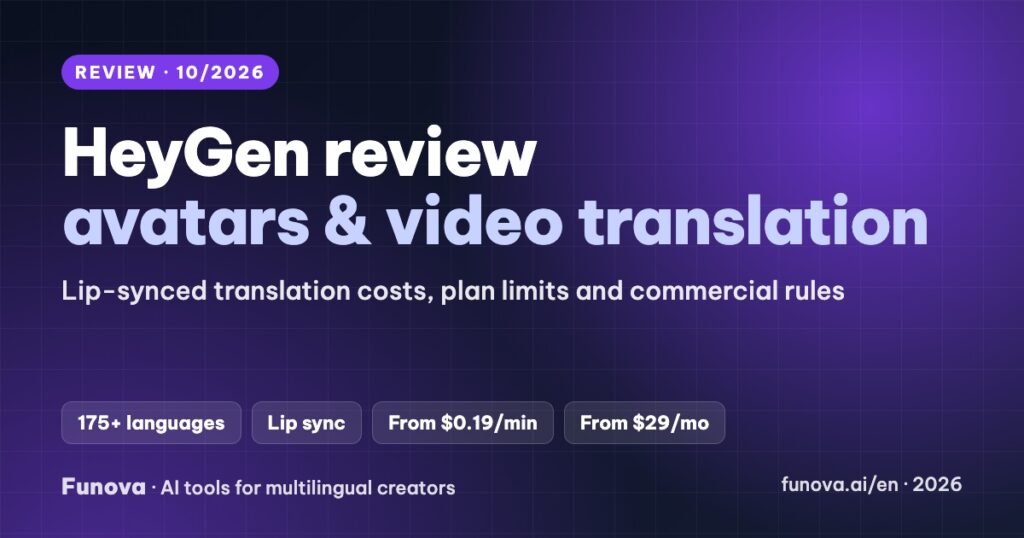
- Standout: video translation from about $0.19 per minute (audio only) or $0.29 to $0.48 per minute with lip sync on the Creator plan, in 175+ languages and dialects, Vietnamese included.
- Watch out for: audio-only downloads are Enterprise only, translation proofreading starts on Pro, and free-plan videos cannot be used commercially.
- Price: free plan (watermarked, non-commercial). Paid plans from $29/month, or $24/month billed yearly.
What HeyGen does
- AI avatar videos: write a script, pick one of 700+ stock avatars (500+ on Free) and 1,000+ voices, and HeyGen renders a presenter video. You can also create a Digital Twin of yourself from filmed footage, or animate a photo.
- Video Translate: upload a video or paste a YouTube or Google Drive link, choose up to 10 target languages, and HeyGen returns translated versions in the speaker’s own voice, optionally with lip sync.
- Creator tools: 75+ templates, captions, a brand system (paid plans), a glossary to keep names and terms consistent in translations, PowerPoint/PDF import and a screen recorder.
Our experience
We used HeyGen to animate still images for a faceless tutorial on our Vietnamese channel, then added the voiceover with ElevenLabs. It was the fastest way we found to turn static visuals into motion without filming. We have not yet run HeyGen’s Video Translate on our own videos; when we do, the case study will show the cost and how the lip sync holds up in Vietnamese and other languages.
Pricing
| Plan | Monthly | Billed yearly | Credits | Max video length | Resolution |
|---|---|---|---|---|---|
| Free | $0 | – | A few videos a month instead of credits | 1 min | 720p, watermark |
| Creator | $29 | $24/mo | 600 a month | 30 min | 1080p |
| Pro | From $49 | From $41/mo | 1,000 a month (higher tiers available) | 30 min | 4K |
| Business | $149 + $20 per extra seat | $119/mo | 1,500 a month, shared | 60 min | 4K |
| Enterprise | Custom | – | Custom | No limit (translation up to 5 h) | 4K |
On monthly plans, unused credits carry over for one extra month. On yearly plans they accumulate until renewal. Downgrading to Free deletes your remaining credits. Creator cannot buy extra credits; Pro users move to a higher tier, and Business can top up.
What the credits buy
| Task | Credits per minute | Minutes on Creator (600 credits) | ≈ Cost per minute on Creator |
|---|---|---|---|
| Video translation, audio only | 4 | 150 | $0.19 |
| Video translation, Speed lip sync | 6 | 100 | $0.29 |
| Video translation, Precision lip sync | 10 | 60 | $0.48 |
| Avatar video, Avatar III | 4–7 | 85–150 | $0.19–0.34 |
| Avatar video, Avatar IV | 16–31 | 19–37 | $0.77–1.50 |
| Avatar video, Avatar V | 48 | 12 | $2.32 |
The newest avatar engines look far more natural but cost several times more per minute. For a weekly presenter video, budget for Pro.
Video Translate: what you should know
- Languages: HeyGen advertises 175+ languages and dialects (its help center lists about 85 base languages with regional variants). Vietnamese is supported. The free plan is limited to 30+ languages.
- Lip sync: choose the Speed engine for quick results or Precision for closer mouth movement. Both keep the original speaker’s voice.
- Editing: the Review & Edit (proofreading) step, where you fix the translated script before generating, is on Pro and above.
- Limits: text on screen is not translated, and sound effects are removed from translated videos.
- For YouTube multi-language audio: audio-only download is Enterprise only. On other plans you download the translated video and extract its audio track with any editor before uploading it to YouTube.
Custom avatars and consent
To create a Digital Twin, record or import footage of yourself (at least 1080p at 30 fps) plus a short consent video reading HeyGen’s script. Avatars of other people or celebrities are not allowed without their explicit consent. The newest Avatar V engine can learn from a 15-second video clip.
Commercial use and refunds
- Paid plans: you own your outputs and can use them commercially, including on monetized YouTube channels.
- Free plan: personal, non-commercial use only. No monetized videos, ads or client work.
- Refunds: HeyGen’s terms say payments are non-refundable except where the law requires, while its help center describes case-by-case refunds within 15 days. Do not count on a refund after using many credits.
- Stock music in HeyGen videos can occasionally trigger YouTube Content ID claims. HeyGen’s help center explains how to dispute them.
Pros and cons
| Pros | Cons |
|---|---|
| Lowest cost per translated minute we found (from about $0.19) | Audio-only download only on Enterprise |
| Lip sync in two quality levels | Proofreading translations needs Pro |
| Huge avatar and voice library, plus your own Digital Twin | The best avatar engines are expensive per minute |
| Translate from a YouTube link, up to 10 languages per job | Free plan is non-commercial; credits vanish if you downgrade |
Who should choose which plan
- Trying it out: Free, to judge avatars and a short translation. Do not publish the results on a monetized channel.
- Translating your videos: Creator covers about 100 minutes of lip-synced translation a month. Pick Pro if you want to correct the translated script before rendering.
- Weekly avatar videos: Pro, because the newer avatar engines use credits quickly.
- Teams and agencies: Business, for shared credits, 60-minute videos and integrations with Zapier, Make and n8n.
Alternatives
If your videos are screen recordings or faceless, you do not need lip sync, and ElevenLabs gives you an audio track ready for YouTube directly. For a side-by-side view of prices per dubbed minute, see our best AI dubbing tools comparison.
FAQ
Can I use HeyGen videos on a monetized YouTube channel?
Yes, on a paid plan. Free-plan videos are for personal, non-commercial use only.
Does HeyGen translate into Vietnamese?
Yes, Vietnamese is on HeyGen’s supported language list for video translation. Test a short clip first to check the voice and lip sync with your own content.
How long can a translated video be?
Up to 30 minutes per video on Creator and Pro, 60 minutes on Business and 5 hours on Enterprise.
Can I download only the translated audio?
Only on Enterprise. On other plans, download the translated video and extract the audio.