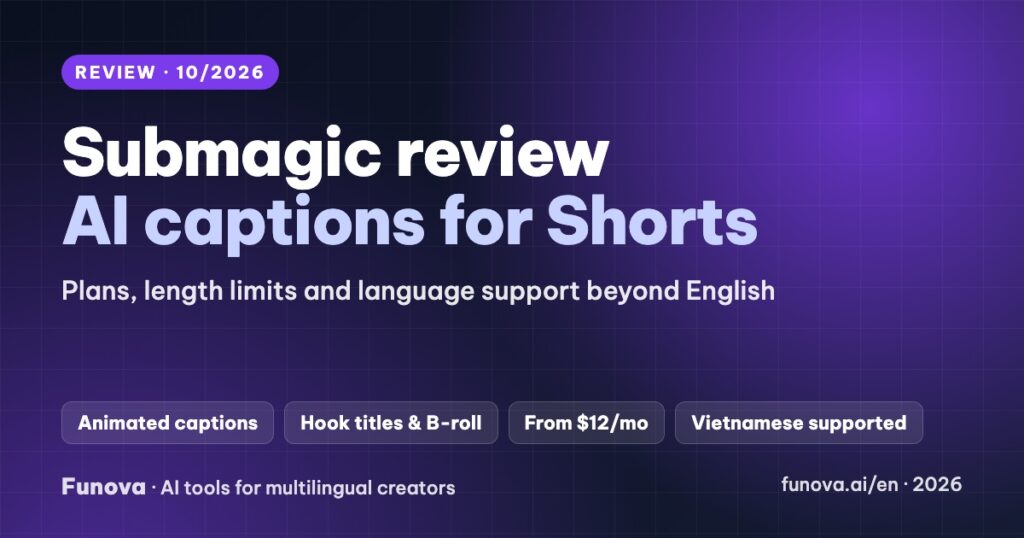
Submagic is an AI editor for short videos: it adds animated captions, hook titles, B-roll, zooms and sound clean-up to a Short, Reel or TikTok in a few minutes. It is popular with creators who talk to the camera and want captions that look edited by hand. This review covers what Submagic does, what each plan really allows, how it handles languages other than English, and the limits that matter before you pay.
Some links in this review are affiliate links. We may earn a commission if you sign up through them, at no extra cost to you. Plans, limits and features were checked on Submagic’s official pricing page, help center and changelog on October 6, 2026. We have not used Submagic on our own channel yet, so this review is based on Submagic’s documentation and gives no score. Submagic’s pages sometimes disagree with each other; we note where.
Verdict
- Best for: creators who record short talking videos and want polished, animated captions fast, in English or another language.
- Standout: caption styles, hook titles and B-roll in one place, with Vietnamese, Indonesian, Spanish and Portuguese listed as supported languages.
- Watch out for: each plan caps the length of a video (2, 5 or 30 minutes), turning long videos into clips is a separate $19/month add-on, and Submagic does not offer refunds.
- Price: from $19/month, or $12/month billed yearly. Trial: 3 short videos, watermarked.
What Submagic does
- Animated captions: templates with word-by-word animation, highlight colors, emojis and emphasis, plus custom caption animations.
- Editing helpers: hook titles, silence and bad-take removal, auto-zoom, clean audio, AI eye contact, and an AI Auto Edit that applies several of these at once.
- B-roll: a library of over 10 million stock clips, plus AI-generated images and B-roll on higher plans.
- Magic Clips: paste a YouTube link or upload a long video and Submagic suggests 20+ short clips with a virality score. This is a separate subscription ($19/month for 10 uploads), not part of the main plans.
- Publishing: on Pro and Business you can publish and schedule to YouTube, TikTok, Instagram, Facebook, LinkedIn and X.
Pricing
| Starter | Pro | Business | |
|---|---|---|---|
| Monthly | $19 | $39 | $69 |
| Billed yearly | $12/mo | $23/mo | $41/mo |
| Videos per month | 15 | 40 | 100 |
| Max length per video | 2 min | 5 min | 30 min |
| Export | 1080p, 30 fps | Up to 2K, 30 fps | Up to 4K, 60 fps |
| Users | 1 | 3 | Unlimited |
| Caption templates | Standard | Premium | Premium + custom dictionary |
| Auto-zoom, clean audio, brand kit, publishing | – | Yes | Yes |
No paid plan adds a watermark. Uploads can be up to 3,000 MB. The length cap is the detail to check first: Starter only accepts videos up to 2 minutes, which suits Shorts but not a 4-minute explainer.
Languages
Submagic’s own pages give three different counts: 48+ languages in the help center, “over 100” after a recent update, and 123 on its languages page. Vietnamese, Indonesian, Spanish and Portuguese are all listed, and none is marked as beta. Submagic says 52 of its languages run on a lighter model, so accuracy may vary between languages. The vendor claims 98.8% accuracy under optimal conditions.
Caption translation (“AI Translate captions”) is listed on all plans. Whether Submagic also creates translated voice tracks is unclear: one help article mentions voice translation, while its translator page says it only adds translated subtitles. If you need dubbing, see our AI dubbing tools comparison.
Tip for non-English creators: run a one-minute clip with names and jargon from your niche through the trial, and check diacritics carefully. In tonal languages like Vietnamese, a missing tone mark changes the word.
Caption files (SRT)
Submagic markets one-click SRT export, but its help center only documents exporting captions as a green- or blue-screen video for compositing. If you need SRT files for YouTube, confirm this in the trial, or use YouTube’s own captions or a tool built for subtitle files. Our caption tools comparison covers both options.
Integrations, apps and API
- Integrations with Make, Zapier, n8n and Google Drive, plus an API (sold as minute packs) and an MCP server for AI assistants.
- Submagic is web-only. There is no mobile app.
Trial and refunds
- The trial lets you upload 3 short videos without a card. Downloading without a watermark needs a subscription.
- Submagic states that it does not offer refunds. Its terms make all fees non-refundable, apart from the EU 14-day withdrawal right where it applies. Use the trial fully before paying, and start monthly.
Pros and cons
| Pros | Cons |
|---|---|
| Fast, polished animated captions | Short length caps per plan (2/5/30 min) |
| Vietnamese, Indonesian, Spanish, Portuguese listed, not beta | Language counts and SRT export are unclear in its own docs |
| Hook titles, B-roll, zoom and silence removal in one editor | Clipping long videos costs an extra $19/month |
| Publishing and scheduling on Pro | No refunds; web only |
Which plan should you choose?
- Shorts under 2 minutes, a few a week: Starter.
- Reels or TikToks up to 5 minutes, with zooms, clean audio and scheduled posting: Pro, the plan most creators will want.
- Teams, 4K or longer videos: Business.
- You start from long YouTube videos: compare the Magic Clips add-on with OpusClip, which is built around clipping.
FAQ
Does Submagic support Vietnamese?
Yes. Vietnamese is on Submagic’s supported language list and is not marked as beta. Test a short clip first to check accuracy and tone marks with your own vocabulary.
Can Submagic cut long videos into clips?
Yes, with Magic Clips, a separate $19/month subscription for 10 uploads that suggests 20+ clips per video.
Does Submagic add a watermark?
Not on paid plans. Trial downloads are watermarked.
Can I get a refund?
Submagic says it does not offer refunds, apart from legal withdrawal rights in the EU. Try the trial before subscribing.